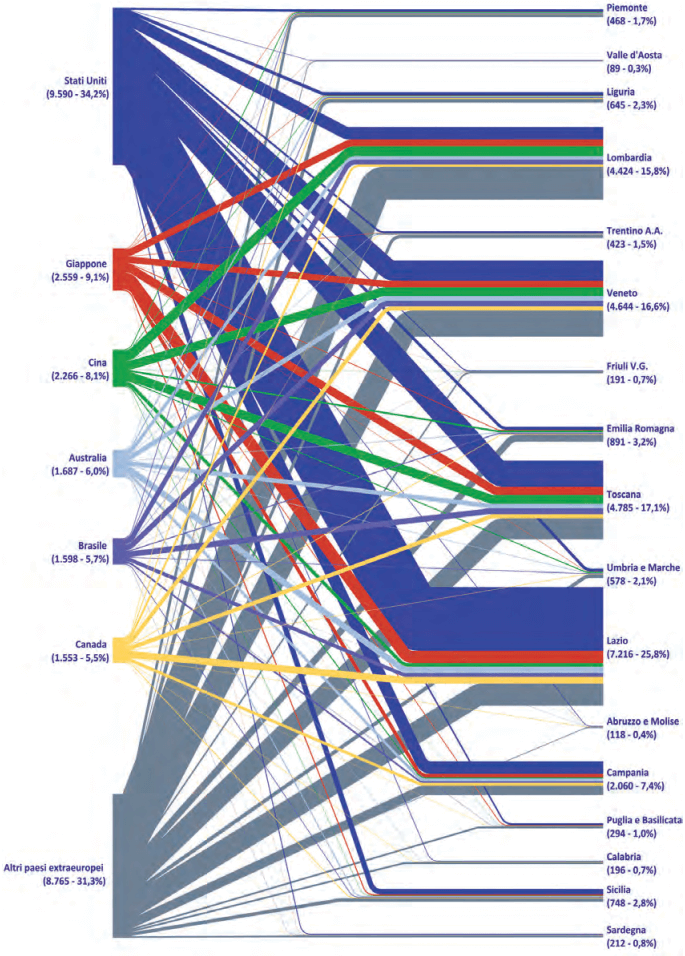
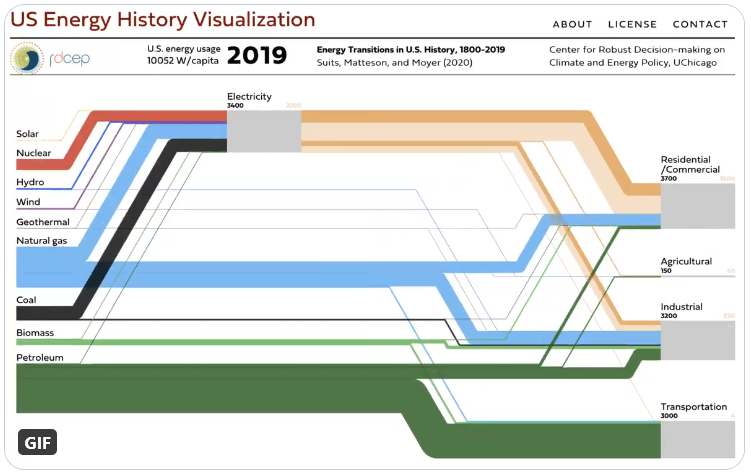
Just came across a new piece of software for simple Sankey diagrams.
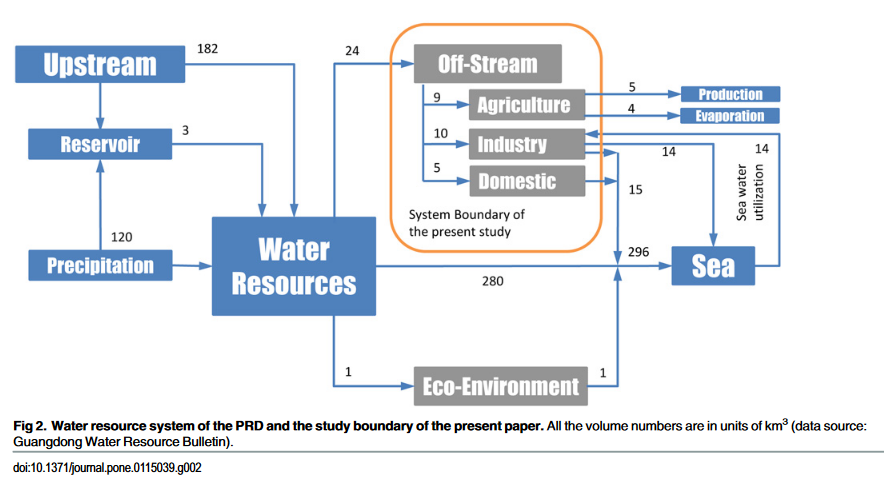
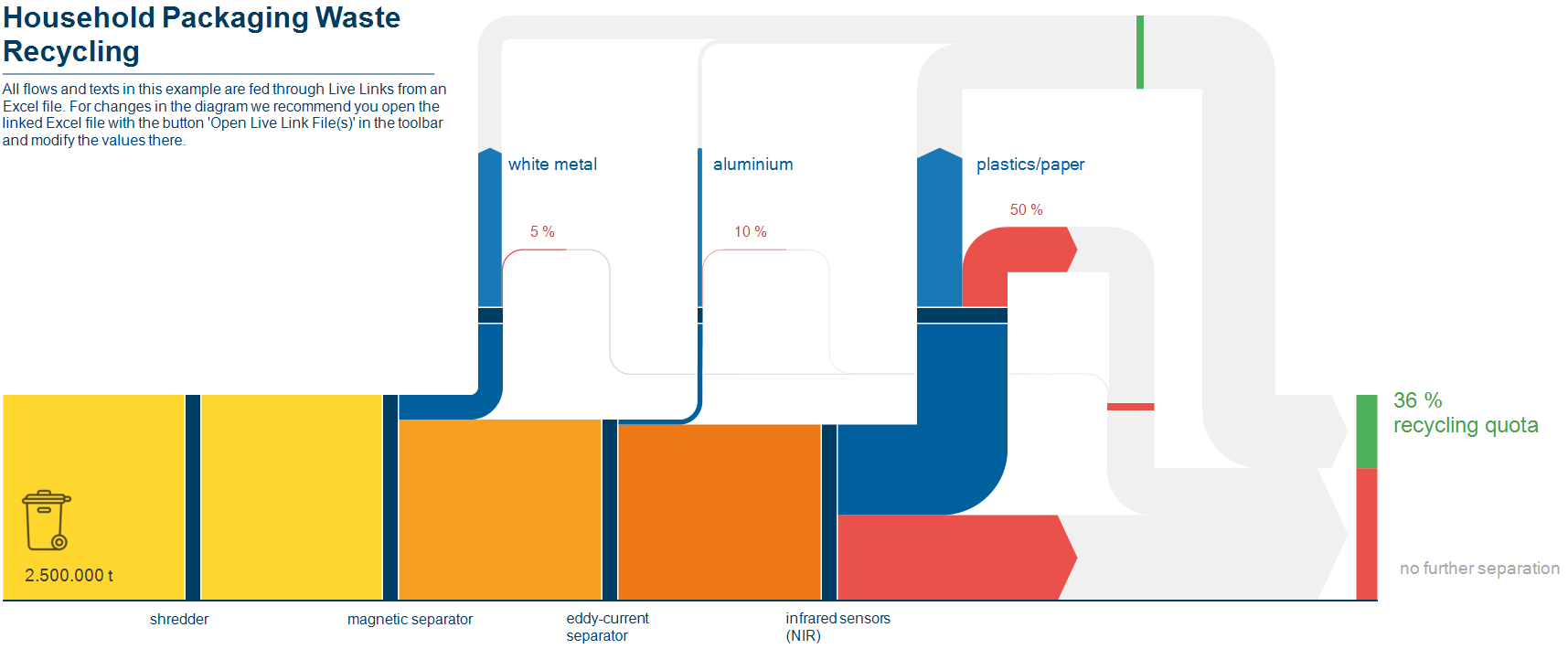
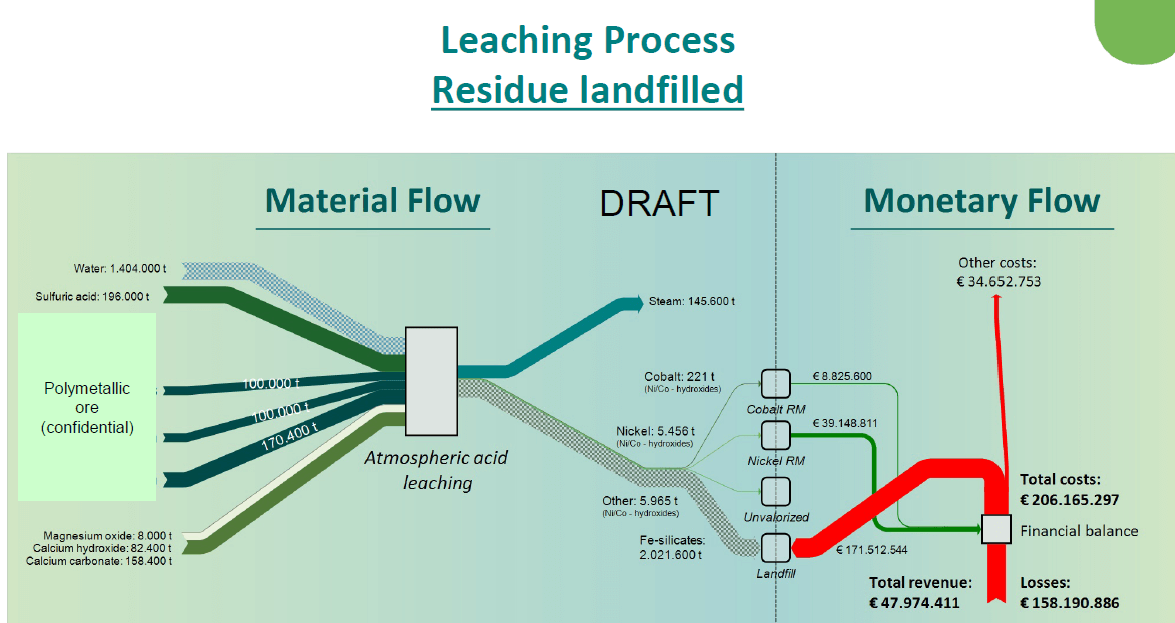
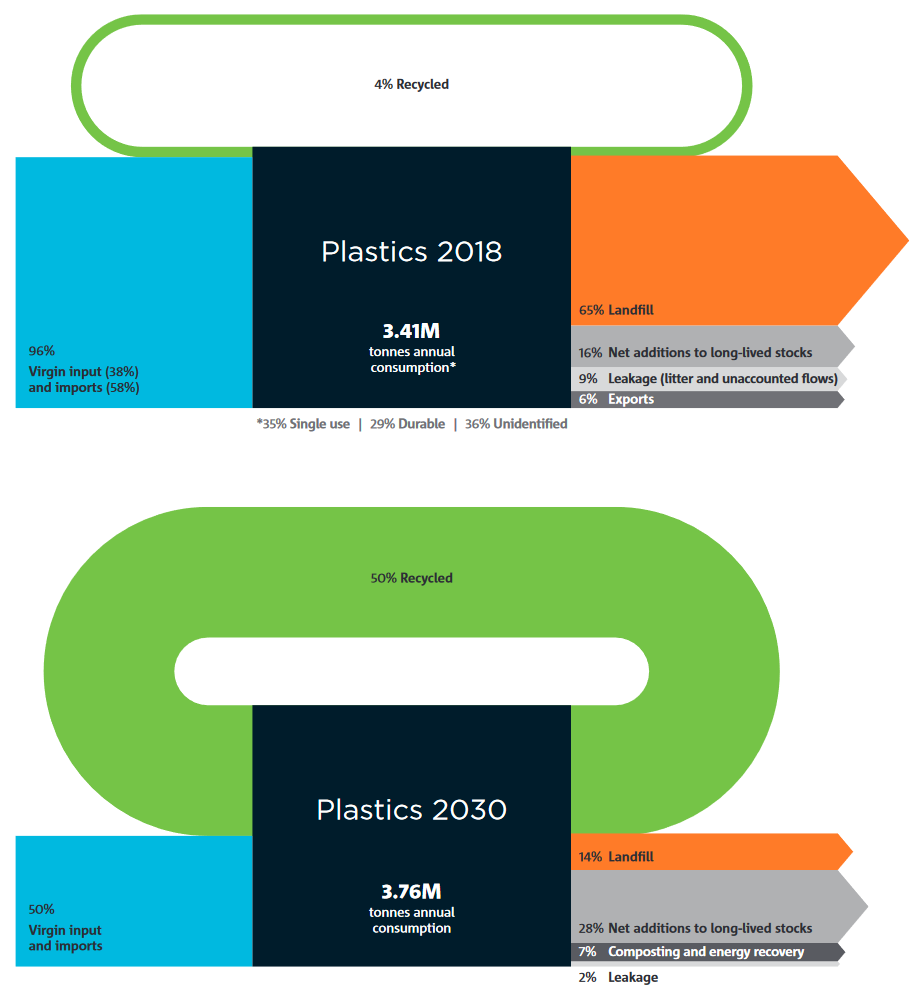
DrawSankey.m is a routine for Matlab that allows to produce diagrams like these:

Sample output of drawSankey.m plugin for Matlab from EPFL Lausanne.

DrawSankey.m is from the Industrial Energy Systems Laboratory (LENI) at Swiss EPFL in Lausanne. Find more information on their Wiki.

I haven’t tested it myself yet, but this definitely looks like an interesting add-on for Matlab users. I have added drawSankey.m to the Sankey software list.

Chris the VisioGuy recently came up with Radial Sankey Diagrams. Although he didn’t seem to be sure if there is a “need for radially-oriented Sankey diagrams”, the commentators of his post immediately came up with ideas: use for rotating or radiating processes, cigarette rolling, recursive industrial processes, reinvestments, and so on… even stellar nuclear reactions were mentioned.

This is the ‘Everything Radial’ Circular Sankey Diagram

“Everything Radial” Circular Sankey Diagram by Chris Roth (Visio Guy). Shown on his blog at http://www.visguy.com/2009/05/08/radial-sankey-diagrams/

… and this is the ‘Tangential Fly-off’ Circular Sankey Diagram

“Tangential Fly-off” Circular Sankey Diagram by Chris Roth (Visio Guy). Shown on his blog at http://www.visguy.com/2009/05/08/radial-sankey-diagrams/

One concern seems to be that the proportional arrow magnitude doesn’t work that well, since the human eye perceives the arrow area rather than thickness in such a circular Sankey diagram.

Thanks VisisoGuy for this contribution to the big basket of Sankey diagrams

The PDF product brochure of Thermax Multi Energy Vapor Absorption Machines (Source: Thermax India Ltd, Pune) features a Sankey diagram comparing a conventional system (green) with a system that has heat recovery (blue).

Sankey diagram shown in Multi Energy Vapor Absorption Machine product brochure of Thermax India. Feb 2006 edition

The Sankey diagrams are labeled as “indicative only”. Fair enough, since the small flows (e.g. “radiator loss” and “alternator loss”) are not to scale. In fact this over-emphasis of the smaller flows seems to lead to an underrepresentation of the actual benefit of the Thermax system: The 80% “net useful output” of the blue diagram is only shown with a width of roughly 50% [measured with a conventional ruler off my screen...]

Any other product brochures with Sankey diagrams you are aware of? I actually found this, because it was pictured in this scientific paper (DOC).

It is also a rare example of a top-down orientation in a Sankey diagram. Most of the ones you find are left-to-right or bottom-to-top oriented.

Just back from a few days at the beach, here is just a quick one…

User BoH created a Sankey diagram for a diesel engine and uplodad it to the WikiCommons. It is in Dutch and shows the energy efficiency of the fuel being burnt in the motor.
Sankey diagram for Diesel engine (WikiCommons)
49.3% of the energy is useful energy transformed into motion, while the rest is lost. The main losses (30.45%) occur at the exhaust gases, and with cooling water (approx 10.5%).

The smaller arrows are not to scale (see the 0.76% arrow branching off on the left side compared to the one representing 1.5% (smeeroliekoeling, cooling of lubricant oil)). Also, I am not sure whether the author forgot an arrow at the blue node labeled “Lucht” (air).

Anyway, apart from these flaws it is a neat diagram. I particularly like the color gradient from ‘red hot’ to ‘cool green’.

Renown Rocky Mountain Institute (RMI) founded in 1982 by Lovins and Lovins have an interactive oil imports map on their MOVE project webpage.

You can see the oil imports to the United States from January 1973 to August 2008 on a map that depicts the flow quantities as Sankey arrows linking the country of origin and the U.S. If you switch to the unit “Dollar”, you can see the value of the oil imported depicted as Sankey arrows.

One can play the the whole 35-year period as a movie, or use the slider on the time line to see individual months. The data used is from publicy accessible EIA/DOE statistics.

A screenshot from RMI's interactive U.S. Oil Import Map showing the quantities of crude oil imports from different countries as Sankey arrows. Go to http://move.rmi.org/files/oilmap/RMI_Oil_Imports_Final_large.html to see the map for the period 1973 to 20

The United States is still 60 % dependent on imported oil. MRI’s MOVE project seeks possibilities to reduce foreign crude oil dependencies. The goal is to “get completely off oil by 2050, led by business for profit.”

Go to the RMI movie page and try it yourself. When I did the Lybia Oil Export map last year I wasn’t aware of this Sankey movie, which is of course much nicer.

To compensate for the rather awkward Sankey diagram from NZ in my last post, here is a more colorful, and more recent one from Aotearoa. It shows the energy flows of New Zealand in 2007. The Ministry of Economy published a report “Energy in Brief”, which also contains this Sankey diagram:

Energy Flows in New Zealand 2007. From: Energy in Brief 2008. New Zealand Ministry of Economic Development 2008. From http://www.med.govt.nz (ISSN 1177-2824)

The diagram shows the main flows in gross PJ (1 petajoule = 1015 J) and is “to approximate scale”. Flows below 2.5 PJ are neglected.

Energy produced domestically from various sources comes from the left, imports of coal and oil enter in the leftmost column from the bottom and the top. The energy flows pass through transformation and conveyance phases, to be finally shown in the different use sectors. Losses in transformation and conveyance are visualized with downward arrows, while losses in the end use are not considered.

There are some design flaws, especially when you look at the arrow curves. Also the fact that flows are only “to approximate scale” is in my opinion not acceptable [an arrow representing a flow of 3 PJ has the same width as one for 6 PJ, and both are only half the width of the 30 PJ flow]. But the overall impression is much better than in the version 10 years before.

Click here for a larger version of the diagram (PDF).

From the deepest and darkest parts of my bookmark list, here is a Sankey diagram for energy flows in New Zealand in 1997. I found it in a PDF document on this website of the Ministry of Economic Development (maori: Manatû Ôhanga).

Diagram of Energy Flows in New Zealand in 1997. From 'Energy Data File' July 1997' on the Ministry of Economic Development Website (http://www.med.govt.nz/templates/Page____10953.aspx)

The text under the diagram reads: “This energy flow diagram summarises New Zealand’s energy use. Primary energy sources are at the left. The flow of these through conversion processes to consumers is pictured, with final end-use classified by consumer type. The width of the bands is approximately to scale.”

Well, almost everything that can go wrong in information visualization goes wrong in this diagram… No quantities or units are given. Flows that are “approximately to scale” narrow down along the way. [The only explanation I have for this, is that this a novel way to account for transmission losses.] Streams meet, but don’t seem to merge. No idea what the spaghetti flows are good for…
In defense of the authors of this diagram I can say that in 1997 there probably weren’t any Sankey diagram software tools around.

I have a nicer one for NZ, which I will present in of my next blog posts. Better energy flow Sankey diagrams from other countries can be seen here, here or here.

Austrian consulting company Stenum has revamped their Sankey Editor 2008 website a little bit, and they added new sample Sankey diagrams. The ones shown below are for the water flows of an electro-plating factory before and after optimization.

Sankey diagram for water flows in an electro-plating facility after optimization. Taken from Stenum software page (http://www.stenum.at)Sankey diagram for water flows in an electro-plating facility before optimization. Taken from Stenum software page (http://www.stenum.at)

The diagram is in German, but I can understand as much as this: All flows are in cubic metres. Apart from the hydrogen peroxide flow entering from the top the flows shown all run from the source (water supply) to the sink (waste water treatment), the nodes in the middle (flushing, backflushing?) are the actual breakdown of the water flows. These nodes are adapted to the arrow width – a nice feature.

On top of that, blue seems the right choice for both water and H2O2 flows.